Preview links that expire on their own
A shared draft should not stay readable forever. Every link carries an expiry you choose, and you can revoke it the moment a review is over.

Access that ends without you having to remember
The problem with preview URLs is never creating them. It is the ones nobody ever closed.
Pick how long the link should live
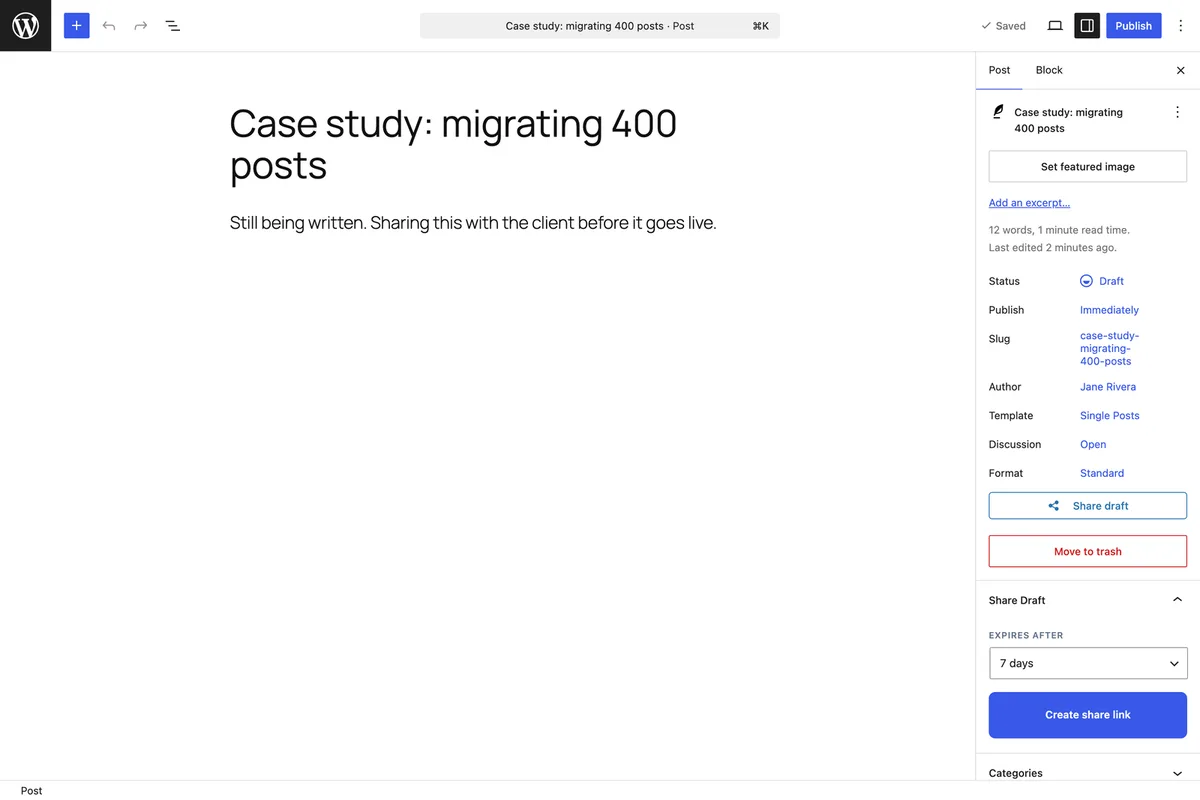
Every share link carries an expiry you choose when you create it, and the default is seven days. Once it passes, the link stops working on its own. There is no cleanup task, no reminder to set, and no old preview URL sitting in someone's inbox six months later still showing your unpublished work.
An expired link says so, plainly
When a link has run out, the visitor gets a clear page telling them so, with a way back to your home page — not a 404, not a login form, and certainly not the draft. It reads like a deliberate part of your site because it is.
Extend or revoke as plans change
An expiry is a safety net, not a commitment. A review running long? Extend the link from the editor and the reviewer keeps the URL they already have. A link somewhere it should not be? Revoke it and it stops working immediately.
Why expiry matters more than it sounds
A preview link is a public URL for anyone holding it. Time-limiting it is what keeps an old draft from resurfacing long after the project ended.
- Every link expires on its own — seven days by default, or whatever you choose
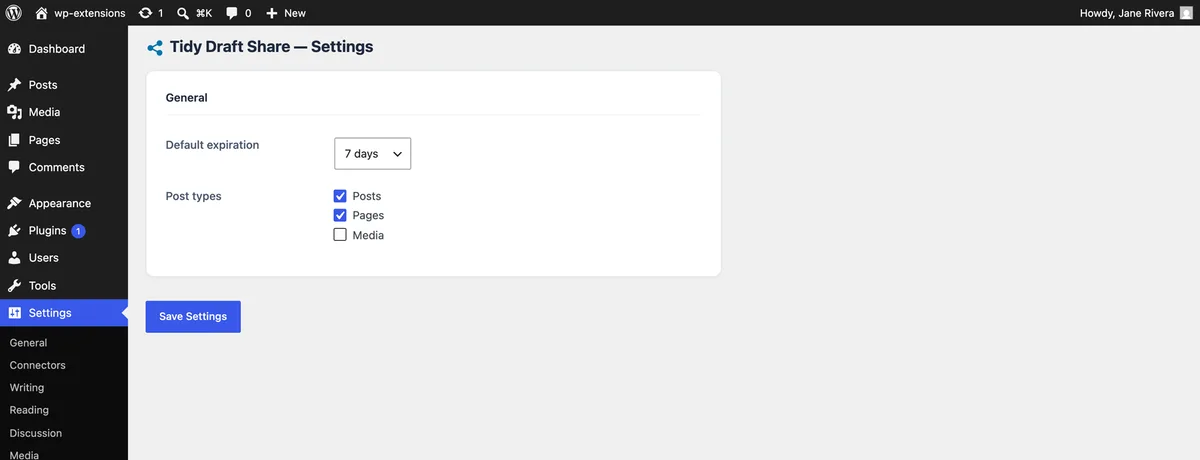
- Set the default once in the settings so you never think about it again
- Expired links show a clear page, never the draft and never a raw error
- Extend a link when a review runs long, or revoke it the moment one ends early
- Tokens are random and unguessable, so a link cannot be found by trying URLs
- No shared draft stays reachable indefinitely, which is what usually goes wrong
Frequently asked questions
- What happens to the link once it expires?
- It stops resolving to the draft. The visitor sees a short page saying the link has expired, with a link back to your home page. The post itself is untouched.
- Can I change the expiry after creating a link?
- Yes. The Share panel in the editor has an Extend action on every active link: pick a new duration and the same link keeps working for that long. The reviewer's URL does not change, so there is nothing to send again.
- What is a sensible default?
- Seven days covers most review cycles without leaving links lying around. If you work in longer cycles, raise it in the settings; if you share sensitive drafts, lower it.
- Does an expired link leak anything about the post?
- No. The expiry page carries no title, no excerpt and no author name. It only says the link is no longer valid.
- Can I have several active links for the same draft?
- Yes. Create one per reviewer if you want to be able to revoke a single person's access without disturbing the others.
Explore more features
Set an expiry once, forget about it
Tidy Draft Share is free on WordPress.org, with a seven-day default you can change in a click.